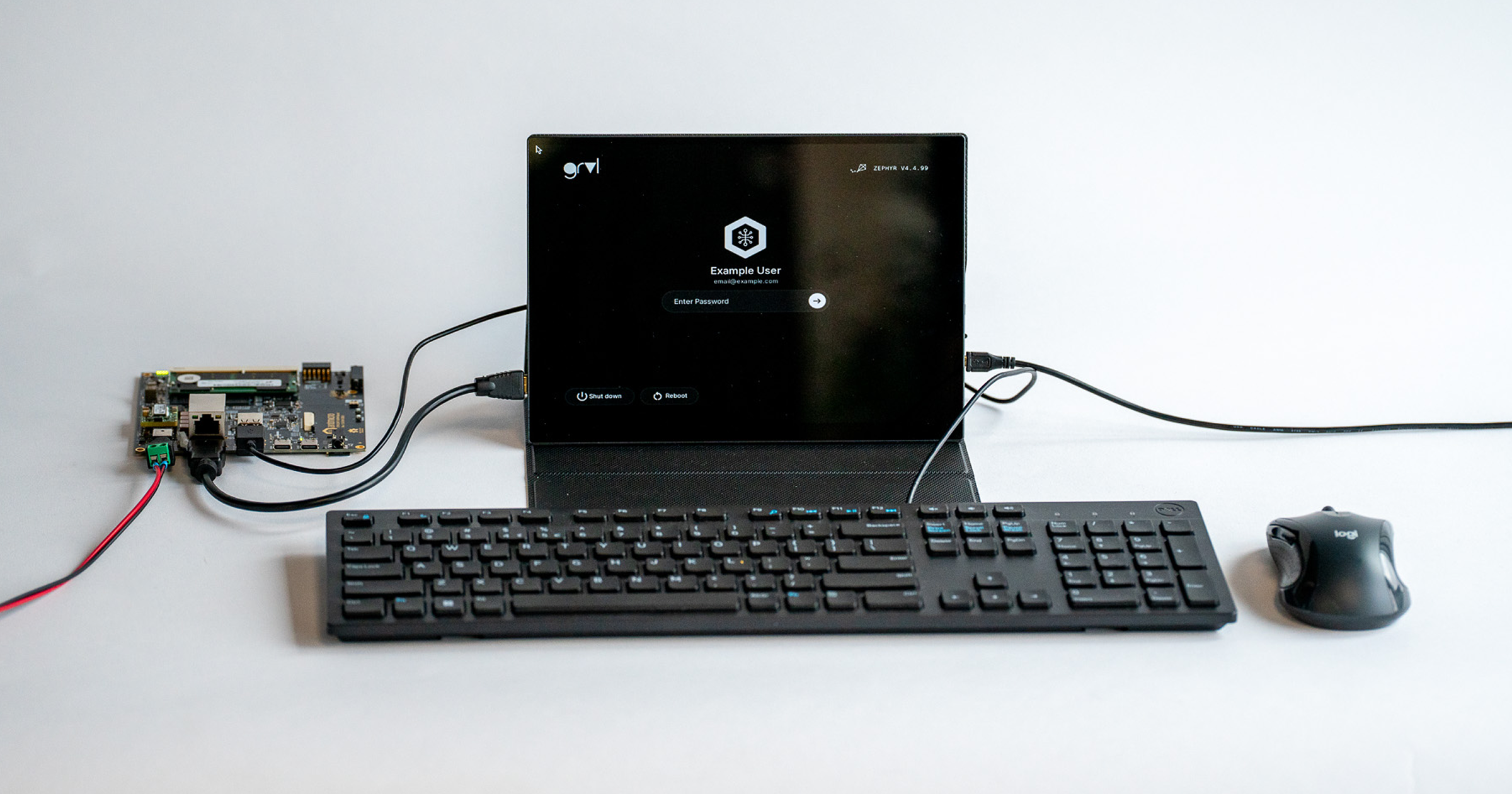
Combining the small footprint and low power consumption of MCUs with an easy-to-use touch interface to offer a user-friendly experience is a great go-to strategy for office and household devices or wearables, but can also be beneficial for industrial applications operating in harsh conditions, where standard mouse and keyboard input delivery is disadvantageous. Such touch display UX setups can be responsible for manipulation over device controls and settings and displaying data using real-time operating systems like Zephyr - an RTOS targeting constrained devices, with wide architecture support, often used in Antmicro’s customer and internal projects.
Today we are introducing grvl (Graphics Rendering Visual Library), an open source lightweight library that lets you write configurable GUIs using XML, with an embeddable JavaScript engine and native support for PNG and JPG graphics. In addition to the Zephyr implementation, grvl is compatible with systems supporting the Simple DirectMedia Layer (SDL). grvl also lets you create GUIs parallel to the development of the remainder of your systems, without target hardware in hand, thanks to its POSIX compliance.
In the paragraphs below, learn about the GUI features that grvl offers for your MCU-based devices, and see a demonstration of a user interface created with grvl running on a Zephyr device.
Versatile GUIs with grvl
The grvl library was designed to deliver mobile/desktop class GUIs to embedded devices running an RTOS, while also being easy to use for both designers and developers. It supports multiple architectures, including RISC-V, ARM, and even x86_64.
Using grvl, you can customize your GUIs in various ways, including configuring popups, fonts, colors, labels, buttons, sliders, and more. These include everything you need to design a basic (but fully featured) mobile-like GUI. A full list of available components and their attributes can be found in the project’s documentation.
Additionally, grvl includes prefabs - user-defined composites of already existing GUI components that can be used to instantiate complex structures at runtime. By using prefabs, you can create new instances of hierarchical GUI components without the knowledge of their internals.
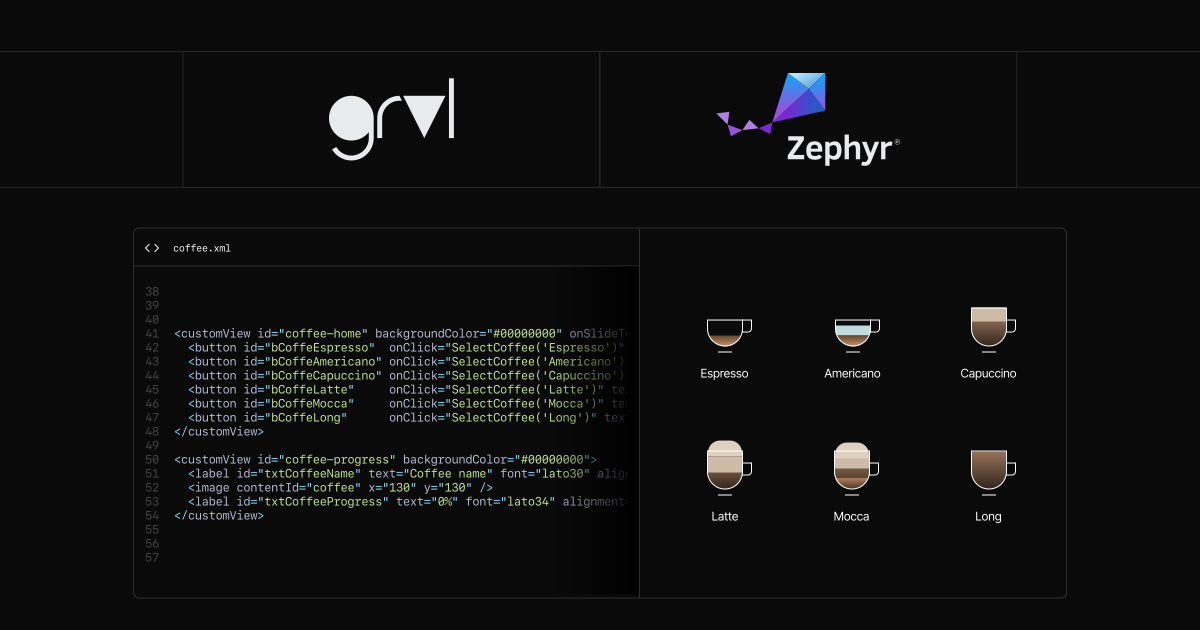
Internally, grvl links to a standard XML library called tinyxml that is used for parsing the GUI config instead of code. This approach provides several advantages: you can build a GUI directly from XML and quickly rearrange the components, as well as load external XMLs, e.g. via WiFi on startup.
The UI interaction can be scripted with JavaScript - grvl comes with an embeddable JavaScript engine, (Duktape), allowing the use of JavaScript callbacks for handling UI interaction.
This combination of XML-based layout and integration of a JavaScript engine is where grvl stands out, as it enables users without a deep knowledge of C or embedded systems to both create the layout (in XML) and script it (in JavaScript), without the need to write C/C++ code, facilitating collaboration between frontend developers and graphic designers.
Running grvl on a Zephyr device
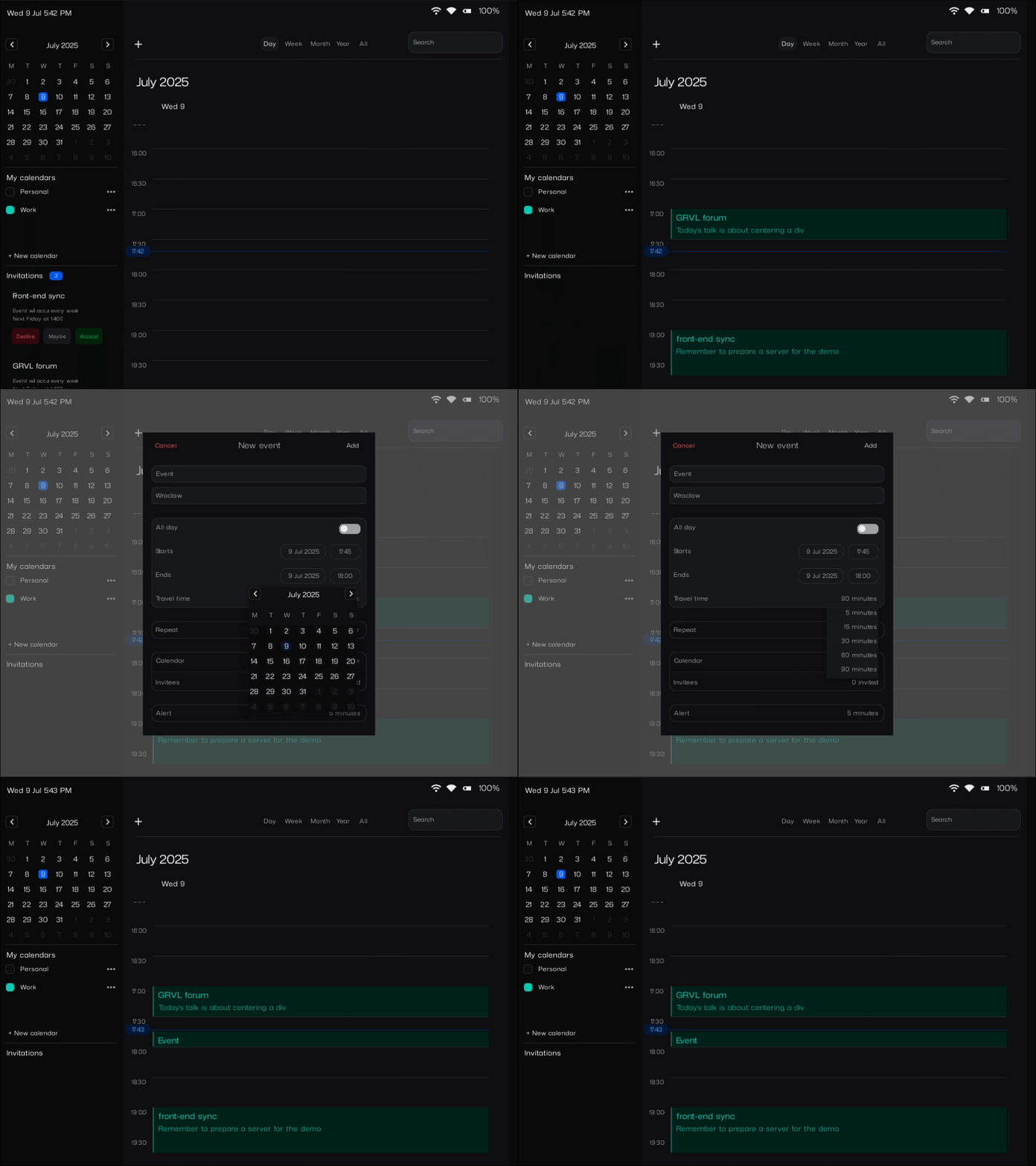
To showcase grvl’s capabilities, we prepared a Zephyr calendar demo that runs on an STM32H747I Discovery board together with an MB1166-A09 display shield.
To run the demo, first make sure that you have the necessary development environment set up for Zephyr. Start by fetching the demo sources:
$ git clone https://github.com/antmicro/grvl-zephyr-calendar-demo
$ cd grvl-zephyr-calendar-demo
$ west init -l .
$ west update
$ west patch apply
Once the sources are retrieved, you can build the demo for your board using the west build command, specifying stm32h747i_disco/stm32h747xx/m7 as the board target:
$ west build -b stm32h747i_disco/stm32h747xx/m7The build will produce a firmware image ready for flashing, as well as an SD card image containing files used by grvl to generate the UI in the build directory. The SD card image needs to be flashed onto an SD card that will be inserted into the board.
You can flash the main firmware onto your board using west flash.
$ west flashWith the SD card prepared and inserted, and the firmware flashed, the interactive demo will show up on the screen.
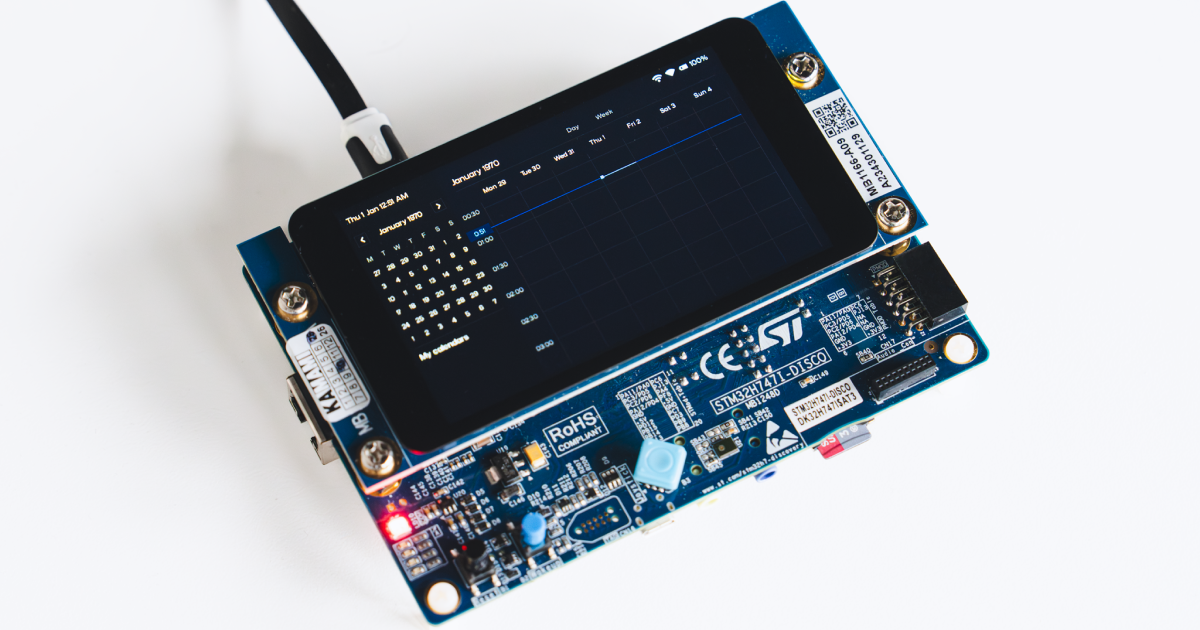
If you don’t have access to the demo board, you can run the demo as a Linux application using Zephyr’s native simulator. After fetching the sources, build the binary using native_sim/native/64 as the target.
$ west build -b native_sim/native/64This will produce an executable that can be run directly on your computer.
$ ./build/zephyr/zephyr.exeBuild Zephyr devices with smartphone-like GUIs with Antmicro
With grvl, Antmicro strives to bridge the gap between traditional industrial/embedded GUIs and Android/Linux-based systems, providing a lightweight solution that is both suitable for resource-constrained devices and offers a modern, responsive user experience. We can help you develop a Zephyr-based platform with a custom, modern GUI, whether it’s a small scale IoT system that requires human interaction with a UI, a real-time application that would be enhanced by using a GUI, or a device operating in harsh industrial environment.
If you would like to learn more about grvl or Antmicro’s engineering services for building complete products running Zephyr, don’t hesitate to contact us at contact@antmicro.com.