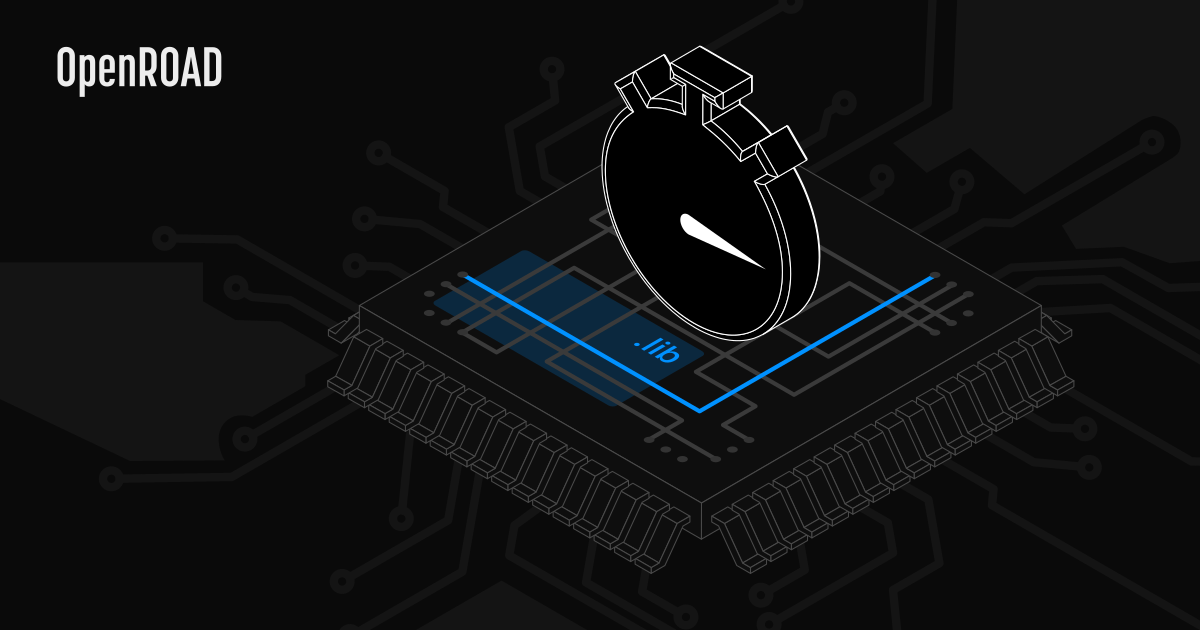
The OpenROAD toolchain provides you with a workflow that takes you from a SystemVerilog description to a final ASIC layout. Its static timing analysis library, OpenSTA, can help you analyze gate-level static timing in your design and output a timing report. We described this process in one of our previous blog notes. However, for large designs, the processing time may be measured in days. This could be reduced by treating parts of the design (groups of cells) as standard cells that don’t have to be re-analyzed each time. OpenSTA can generate a standard Liberty file that defines such cells. However, the cells in this generated file do not contain the actual timing paths, so the information about those is lost when producing a final timing report.
To this end, we added a new functionality that allows you to group cells into larger ones, as well as capture this information in Liberty files, to generate the timing path reports faster and make larger cells reusable.
In this blog post, we’ll take a look at how to quickly deploy OpenROAD with our improvements to OpenSTA and take advantage of the possibilities they provide.
Static timing verification with OpenROAD
As a vital part of OpenROAD, OpenSTA is a gate-level static timing verifier. As a stand-alone executable, it can be used to verify the timing of a design using standard file formats. OpenSTA also allows generating a power consumption report from VCD and SAIF files. Moreover, you can add more custom data when exporting the design’s timings to Liberty files to later use that information in further analysis of the design with OpenSTA.
However, full timing paths aren’t included in the output after importing the design data from Liberty files: the produced timing reports are correct, but they don’t provide insight into the exported modules. That raised the need to add that information to those files and extend reported timing paths in OpenSTA.
Sample analysis of a small design
To get a practical demo of the feature, you can run this new functionality with a small design comprising a simple cell and a top module as follows:
// cell.v
module cell (in, clk, out);
  input in, clk;
  output out;
  wire w1, w2;

  BUFx2_ASAP7_75t_R u1 (.A(in), .Y(w1));
  DFFHQx4_ASAP7_75t_R r1 (.D(w1), .CLK(clk), .Q(w2));
  BUFx2_ASAP7_75t_R u2 (.A(w2), .Y(out));
endmodule

// top.v
module top (in, clk, out);

  input in, clk;
  output out;
  wire w1, w2;

  cell c1 (.in(in), .clk(clk), .out(w1));

  BUFx2_ASAP7_75t_R b1 (.A(w1), .Y(w2));

  cell c2 (.in(w2), .clk(clk), .out(out));

endmodule
For simplicity, we will use the sta binary directly because it requires fewer setup steps.
First, you need to build OpenSTA from our fork. If in doubt, refer to the repository’s README or the Dockerfile (showing how to build it on Ubuntu 22.04). You should then be able to run OpenSTA by typing sta in your command line.
Next, copy the asap7_small.lib.gz file from OpenSTA’s tests directory and place it next to your design files. It provides timing information for ASAP7 cells like BUFx2_ASAP7_75t_R or DFFHQx4_ASAP7_75t_R.
At this point, you can generate a timing model for the cell module, located in cell.v, by running the TCL script below with OpenSTA. Do this without exporting the timing paths to see the difference better.
# cell_no_timing_paths.tcl
# Read source files
read_liberty asap7_small.lib.gz
read_verilog cell.v
link_design cell

# Create clock
create_clock -name clk -period 500 {clk}
set_input_delay -clock clk 0 {in}

# Save cell timings to liberty
write_timing_model cell.lib
This will generate a cell.lib file in your current directory. Now, take a look at the top.v source file. It has two instances of the cell module. By running report_checks with OpenSTA, you can check the timings in the design:
# top.tcl
# Read liberty files with timings
# including the one with timing paths
# in our cell.
read_liberty asap7_small.lib.gz
read_liberty cell.lib

# Read 'top' Verilog source
read_verilog top.v
link_design top

# Create clock
create_clock -name clk -period 500 {clk}
set_input_delay -clock clk 0 {in}

# Check design timings
report_checks
OpenSTA will report on the worst timing path present in the design. For the top module, the report looks as follows:
Startpoint: c1 (rising edge-triggered flip-flop clocked by clk)
Endpoint: c2 (rising edge-triggered flip-flop clocked by clk)
Path Group: clk
Path Type: max

  Delay    Time   Description
---------------------------------------------------------
   0.00    0.00   clock clk (rise edge)
   0.00    0.00   clock network delay (ideal)
   0.00    0.00 ^ c1/clk (cell)
  81.25   81.25 ^ c1/out (cell)
  15.75   97.00 ^ b1/Y (BUFx2_ASAP7_75t_R)
   0.00   97.00 ^ c2/in (cell)
          97.00   data arrival time

 500.00  500.00   clock clk (rise edge)
   0.00  500.00   clock network delay (ideal)
   0.00  500.00   clock reconvergence pessimism
         500.00 ^ c2/clk (cell)
 -25.85  474.15   library setup time
         474.15   data required time
---------------------------------------------------------
         474.15   data required time
         -97.00   data arrival time
---------------------------------------------------------
         377.15   slack (MET)
In the log above, notice the lack of information about the paths inside the cell module. If you check the cell.v source file, you can see several buffers and a switch. You can enable exporting such internal paths by adding the -paths flag when saving a cell’s timings to a Liberty file through write_timing_model:
write_timing_model -paths cell.libThis is what the cell_timing_paths.tcl script does, which you can run as follows:
sta cell_timing_paths.tcl -exitAfterward, run the following command:
sta top.tcl -exitNow, you’ll see much more information included in the worst timing path report:
Startpoint: c1 (rising edge-triggered flip-flop clocked by clk)
Endpoint: c2 (rising edge-triggered flip-flop clocked by clk)
Path Group: clk
Path Type: max

  Delay    Time   Description
---------------------------------------------------------
   0.00    0.00   clock clk (rise edge)
   0.00    0.00   clock network delay (ideal)
   0.00    0.00 ^ c1/r1/CLK (DFFHQx4_ASAP7_75t_R)
  64.56   64.56 ^ c1/r1/Q (DFFHQx4_ASAP7_75t_R)
   0.00   64.56 ^ c1/u2/A (BUFx2_ASAP7_75t_R)
  15.17   79.72 ^ c1/u2/Y (BUFx2_ASAP7_75t_R)
   0.00   79.72 ^ c1/out (cell)
  15.75   97.00 ^ b1/Y (BUFx2_ASAP7_75t_R)
   0.00   97.00 ^ c2/in (cell)
   0.00   97.00 ^ c2/u1/A (BUFx2_ASAP7_75t_R)
  13.24  110.25 ^ c2/u1/Y (BUFx2_ASAP7_75t_R)
   0.00  110.25 ^ c2/r1/D (DFFHQx4_ASAP7_75t_R)
         110.25   data arrival time

 500.00  500.00   clock clk (rise edge)
   0.00  500.00   clock network delay (ideal)
   0.00  500.00   clock reconvergence pessimism
         500.00 ^ c2/clk (cell)
 -12.61  487.39   library setup time
         487.39   data required time
---------------------------------------------------------
         487.39   data required time
        -110.25   data arrival time
---------------------------------------------------------
         377.15   slack (MET)
That way, you can easily track the (worst) timing paths in order to optimize them.
Additionally, the usage of the Liberty files reduces the workload and thus speeds up the process of timing analysis whenever you change the top module.
Further reduced time-around in designing chips with OpenROAD
Thanks to Antmicro’s recent work to improve OpenROAD, you can now designate cells by grouping particular parts of your entire design to avoid recalculating the timings for the same blocks and enable reusability. Using the Liberty format now enables you to see what nets affect the path within a module in your design, as we made it possible to gain precise information on the timing paths, both in the output Liberty files and the generated reports.
Should you require a more complex service with respect to designing a new System-on-Chip, Antmicro has got you covered: we use and continuously enhance the OpenROAD toolchain to help our customers significantly reduce the time of designing chips. We will be happy to advise and help you throughout the design process, so feel free to message us at contact@antmicro.com.