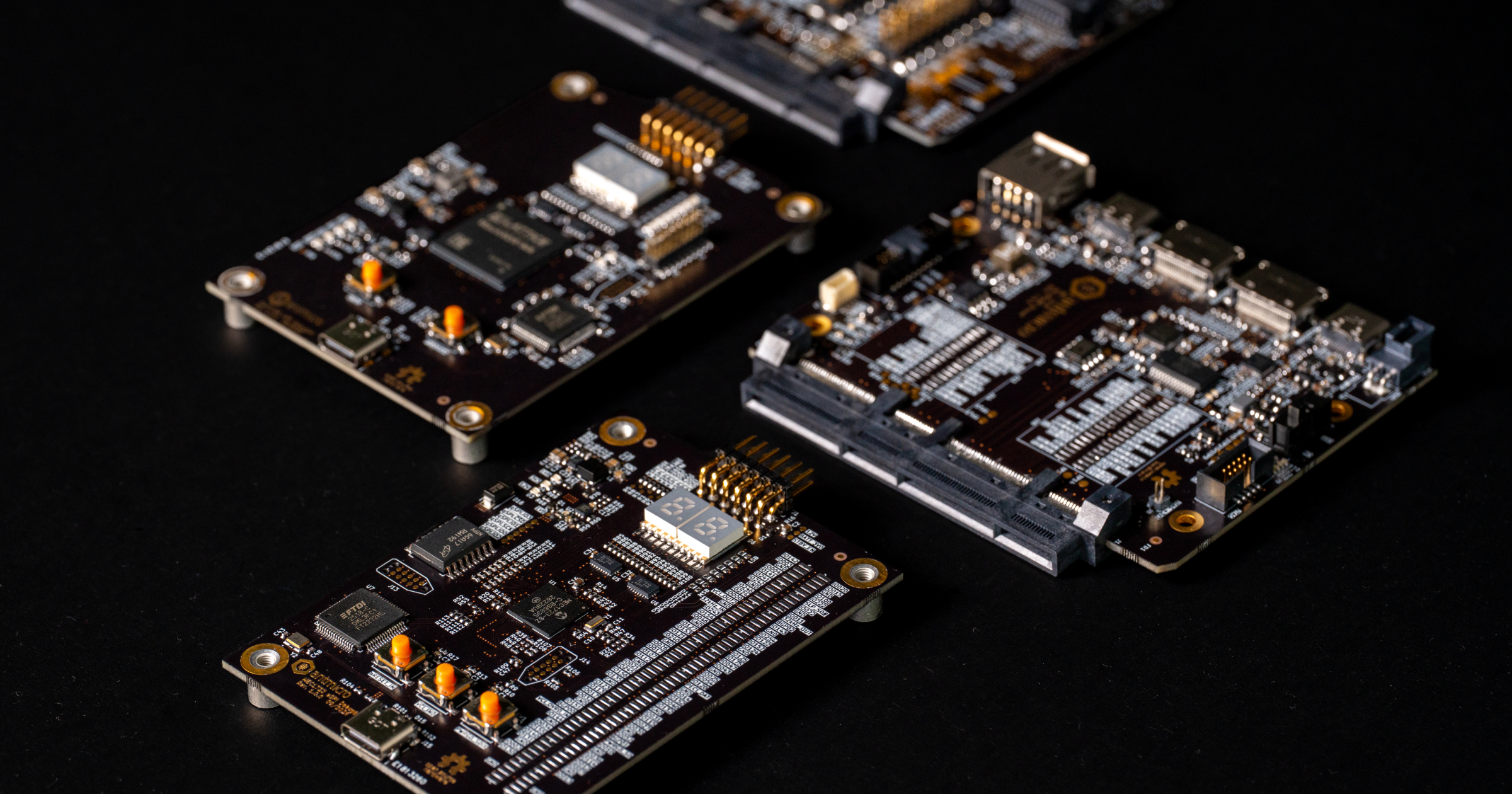
Antmicro’s hardware development process involves not only PCB design but also mechanical integration. That includes enclosure design and thermal integration and simulation, all of which require detailed mechanical models of the used parts, providing information about components, their materials and their position in the assembly. Many mechanical CAD editors offer an option to assign material properties and other meta data to certain components but in most cases the process requires manual action from the designer and is editor-specific.
To provide an automated solution for documenting and managing mechanical parts, Antmicro created STEPhen, a set of Python scripts employing the cadquery library for parsing STEP files. This simple command-line tool allows us to decompose a single complex STEP file into sub-parts and generate a mechanical Bill of Materials (BOM). It also enables recreating complex STEP models from separate parts.
In this article we will briefly describe the STEPhen tool and show how it can aid the process of documenting mechanical parts or assembly drawings, with material assignments, meta data and information about variants, all in an automated way with repository-backed tracking of design changes.
Documenting mechanical parts with STEPhen
Designing custom mechanical parts for new products requires scrupulous tracking of the changes introduced during the process. Alterations (transactions) may relate to geometry, material and even the manufacturing technology. Tracking the part history becomes critical especially when working with complex and space-constrained designs such as Cube Satellites which often require a carefully prepared PCB design matching a precisely-machined enclosure. This enclosure is then exposed to extreme temperatures and verified for vibration susceptibility (with a pass/fail threshold set as high as 20g). Mechanical parts responsible for the heat transfer between the PCB components and the chassis are simulated separately to assess their thermal conductivity and efficiency, as described in a previous article. The enclosure attestation process is usually repetitive, where some selected sub-parts are further improved in order to pass rigorous aerospace criteria. Hence the back-tracking of the introduced design changes, material alterations and operations applied during machining becomes crucial for the enclosure development and integration.
Other examples of products that require precise tracking of mechanical sub-part design include devices used for medical examination, and wearable AR/XR devices such as smart glasses or drones. For the latter, it’s not only the physical size and durability that constitute a top requirement, but also the overall weight of the parts.
When preparing a mechanical design for fabrication, the model needs to be broken into elements that can be processed separately, as different parts need to be ordered from various sources, milled, molded, 3D-printed, cut, polished, coated, etc.
To address the challenges outlined above, Antmicro created STEPhen, a CLI-based tool that can automate the process of handling mechanical components. We chose the STEP file format (Standard for the Exchange of Product Data, also known as ISO 10303) because it’s an industry standard, accepted by most of the modern mechanical editors, including proprietary and open source ones. The STEP format is textual, which makes it easier to parse and process outside of a mechanical editor.
STEPhen’s main feature is generating BOM files containing mechanical components of complex assemblies in CSV and HTML formats. It can also generate position files containing the coordinates and rotations of each mechanical component in a 3D space. Assembly components can be exported as separate STEP files. Additionally, STEPhen allows generating SVG previews of each component which can be used for automating and updating part documentation.
| Part name | Part number | Description | Qty | STEP model |
|---|---|---|---|---|
 M2.5x10 countersunk head screw M2.5x10 countersunk head screw | BOSSARD 1536907 | baseboard fastener | 7 | m2-5x10-countersunk-head-screw.step |
 M2.5x8 countersunk head screw M2.5x8 countersunk head screw | BOSSARD 1250701 | front and back lid fastener | 8 | m2-5x8-countersunk-head-screw.step |
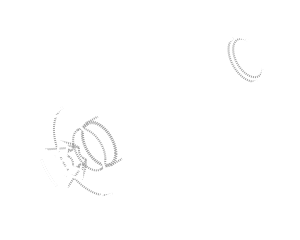 M4x18 cheese head screw M4x18 cheese head screw | BOSSARD 5402872 | blower fastener | 4 | m4x18-cheese-head-screw.step |
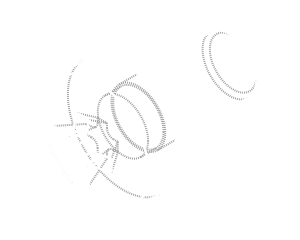 M4x8 cheese head screw M4x8 cheese head screw | BOSSARD 1154257 | handle fastener | 2 | m4x8-cheese-head-screw.step |
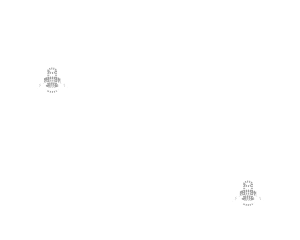 U-handle U-handle | ELESA+GANTER GN 425-6-88-BT | - | 1 | u-handle.step |
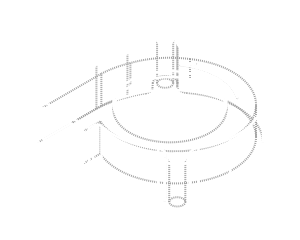 Blower Blower | Sunon EF50151BX-1B000-A99 | - | 2 | blower.step |
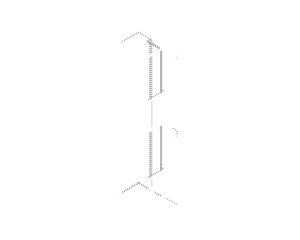 Blower shroud Blower shroud | blower_shroud | 3D print | 1 | blower-shroud.step |
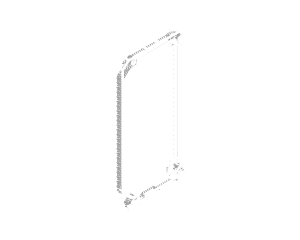 Enclosure back lid Enclosure back lid | enclosure_back_lid | anodized aluminum (black) | 1 | enclosure-back-lid.step |
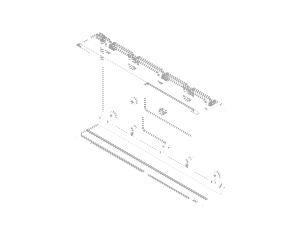 Enclosure bottom cover Enclosure bottom cover | enclosure_bottom_cover | anodized aluminum (black) | 1 | enclosure-bottom-cover.step |
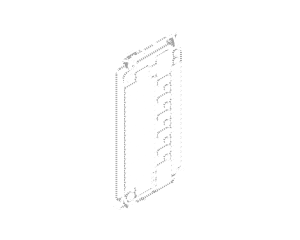 Enclosure front lid Enclosure front lid | enclosure_front_lid | anodized aluminum (black) | 1 | enclosure-front-lid.step |
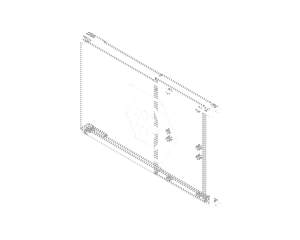 Enclosure top cover Enclosure top cover | enclosure_top_cover | anodized aluminum (black) | 1 | enclosure-top-cover.step |
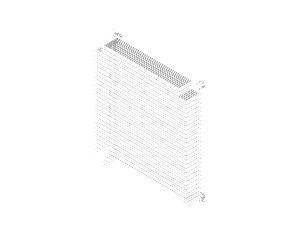 Heatsink Heatsink | heatsink | aluminum | 1 | heatsink.step |
 Lightguide Lightguide | Mentor 1282.1200 | - | 5 | lightguide.step |
Since STEPhen extracts not only the parts but also their position and orientation in the model space, it is possible to use this information to implement a reverse process, recreating a complex STEP model from a separate file as an assembly guide. This allows us to automatically recreate STEP files with sub-parts that are being developed separately from the mechanical elements, e.g. in the case of parts representing PCBs, which are designed in a design flow separate from the enclosure.
STEPhen integrates with other tools developed by Antmicro such as kicad-make which offers command line-controlled export of STEP models out of PCB designs created in KiCad.
Generating and modifying a BOM for the enclosure of Antmicro’s Baseboard for NVIDIA Jetson AGX Thor
To show how STEPhen works in practice, we’ll use Antmicro’s ruggedized enclosure for the Antmicro Baseboard for Jetson AGX Thor. This enclosure is publicly available as a STEP assembly on Antmicro’s GitHub which you can use to test the tool.
Follow the instructions in the README to install STEPhen and generate BOM and assembly files for the provided example.
If you want to introduce a change in the assembly, for example substitute one part with another, follow the steps below:
- Take the STEP file with the entire assembly defined. STEPhen treats each object as a part to be exported to a separate STEP file.
- Run
stephen --step --posto export the STEP files for each part and generate a CSV file with part positions. - Alter a part or substitute it with a different model entirely (models are referenced by the STEP file name, so if it’s changed remember to update it in the CSV file as well).
- Run
stephen --allto generate the updated assembly STEP file with the altered models.
For example, you can substitute the enclosure’s top lid and aluminum heatsink with a copper foam heatsink, as visualized in the animation below.
The exported CSV with positions also includes meta data and other properties that were assigned to the parts in a mechanical editor, so it is possible to use that for specifying physical properties, materials, standards (for standardized elements such as bolts, nuts, washers).
Combined with model re-composition and regeneration, this feature is especially useful during early development and prototyping, when several variants are considered, then tested, and either rejected or accepted. With STEPhen, we can quickly update the assembly STEP file and ensure consistency across all files documenting the mechanical design.
Software-driven product development with Antmicro
Antmicro offers comprehensive services around hardware and software engineering, including tools and utilities that help track the product lifecycle as well as automate the process of creating, modifying and maintaining mechanical parts and PCB components. We have created a vast portfolio of tools that allow us to automate the PCB design, visualization, validation and fabrication process. Those tools are complemented by signal integrity simulation, thermal simulation and now also automated extraction and documentation of mechanical models in STEP format.
If you are interested in software-driven hardware development and would like to learn how Antmicro can help you turn your idea into a full product, reach out at contact@antmicro.com.