Antmicro’s Renode simulation framework offers various options for network connectivity, including wired and wireless ones, as well as network traffic inspection via Wireshark integration. So far, Renode has been relying on the TAP interface for connecting to the host network, however, while well supported in Linux, it can’t be easily enabled on newer macOS machines.
Since the TAP interface relies on a kernel extensions mechanism, which has been deprecated in macOS for several years, we need an alternative solution to enable network connectivity to guest OS. One such alternative is the vmnet interface, which is officially supported on macOS but requires a different configuration than TAP to work properly.
This article will describe the differences between the two interfaces, and will show you how to connect Renode to the Internet on macOS through the recently introduced vmnet support using socket-based networking.
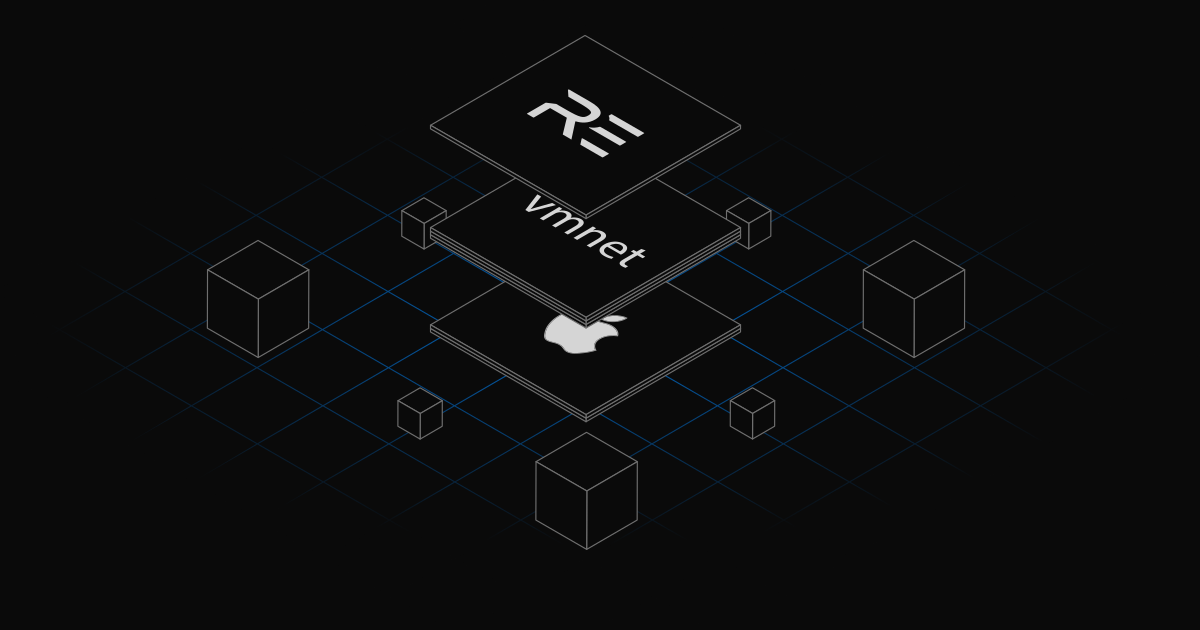
Renode vmnet integration
TAP is a generic Unix interface that simulates the link layer carrying Ethernet frames. The vmnet interface is an alternative, macOS-specific, network framework for sending and receiving packets on guests. It’s available by default on all devices with the macOS version from 10.10 onward.
In TAP, the configuration has to be done manually in a number of individual steps, e.g. setting NAT, firewalls, dhcpd. In vmnet, most of the configuration is handled automatically by the OS, once the appropriate option is selected.
Antmicro has implemented vmnet through generic, socket-based networking, which allows redirecting network requests to the vmnet-helper process through sockets. vmnet-helper allows Renode to use the vmnet interface without administrative privileges, however vmnet-helper itself needs to run with such privileges to start the interface (on macOS versions earlier than 26) but drops them right after that.
On startup, vmnet-helper initializes a virtual network interface and opens a socket for communication with Renode, and Renode connects to it. Once the connection is established, Renode forwards outgoing packets from the emulated machine to the helper via this socket. The helper, in turn, injects those packets into the host network.
Similarly, any incoming traffic captured by the vmnet-helper is sent back through the socket to Renode, which then delivers it to the emulated network interface. In this way, the helper acts as a bridge between the simulated environment and the real network.
Connecting Renode to a network via vmnet
Before setting up the vmnet interface, install the vmnet-helper process by running the following command:
brew install nirs/vmnet-helper/vmnet-helperor, if you’re on a macOS version earlier than 26, run:
curl -fsSL https://github.com/nirs/vmnet-helper/releases/latest/download/install.sh | bashWith vmnet, the configuration is done in three steps:
Spawning a background
vmnet-helperprocess:vmnet_helper \ --socket={SOCKET_PATH} \ --operation-mode=shared \ --start-address={start_ipv4} \ --end-address={end_ipv4} \ --subnet-mask={mask}where:
- all addresses have to be in the local range (it’s a vmnet constraint)
start-address: the IP address assigned to the host-side interface. This address also acts as the default gateway for the guests.end-address: the last IP address in the DHCP pool available for the guests.subnet-mask: the subnet mask defining the network size in dotted decimal notation (e.g. 255.255.255.0). The subnet mask enables vmnet to communicate with other vmnet interfaces on the same subnet that are insharedmode.operation-modes:hostcreates an isolated network where the guest (the VM inside the Renode simulation) can communicate with the host (your computer) but with no access to the Internet. You can use this mode to increase security and privacy.sharedis the default mode that allows for the same actions mentioned above but with access to the Internet. Here, the VM reaches the Internet through a network address translator (NAT) and the host’s IP address.
- For full instructions on using the
vmnet-helperprocess, refer to its README.
Connecting Renode to the
vmnet-helperprocess via a Monitor command:emulation CreateVmnetHelper "${SOCKET_PATH}" "vmnet"Connecting the machine interface and
host.vmnetto the same switch to allow packet transmission between them:emulation CreateSwitch "switch" connector Connect host.vmnet switch connector Connect gem0 switch # use your platform's interface name instead of `gem0`
If the guest runs Linux, you can test Internet connectivity in the following way:
ifconfig eth0 up {start_ip+1}
ping -c 5 ${start_ip}
Extending Renode features on macOS
Antmicro continuously extends the number of ways you can use Renode. With the vmnet integration, the simulator can now seamlessly connect to the Internet with minimum configuration required on macOS. Enjoy hassle-free deterministic testing and explore Renode use cases for your environment.
Many of our customers and partners use Renode, and Antmicro provides commercial support for their products to use with the simulator. If you have specific Renode needs for your macOS devices, or if you simply want to inquire about this software, don’t hesitate to write to us at contact@antmicro.com.